




THE BUSINESS
About Schedule Management – Booking & Crew Scheduling Software
ScheduleMGT is crew scheduling software for service businesses that book jobs, assign field teams and manage repeat visits. It gives owners and dispatchers one place to see who is available, where the next job is and which invoices still need attention. It is designed for cleaning companies, home-service providers, maintenance crews and other teams that work at customer sites.
Crew scheduling software for service businesses
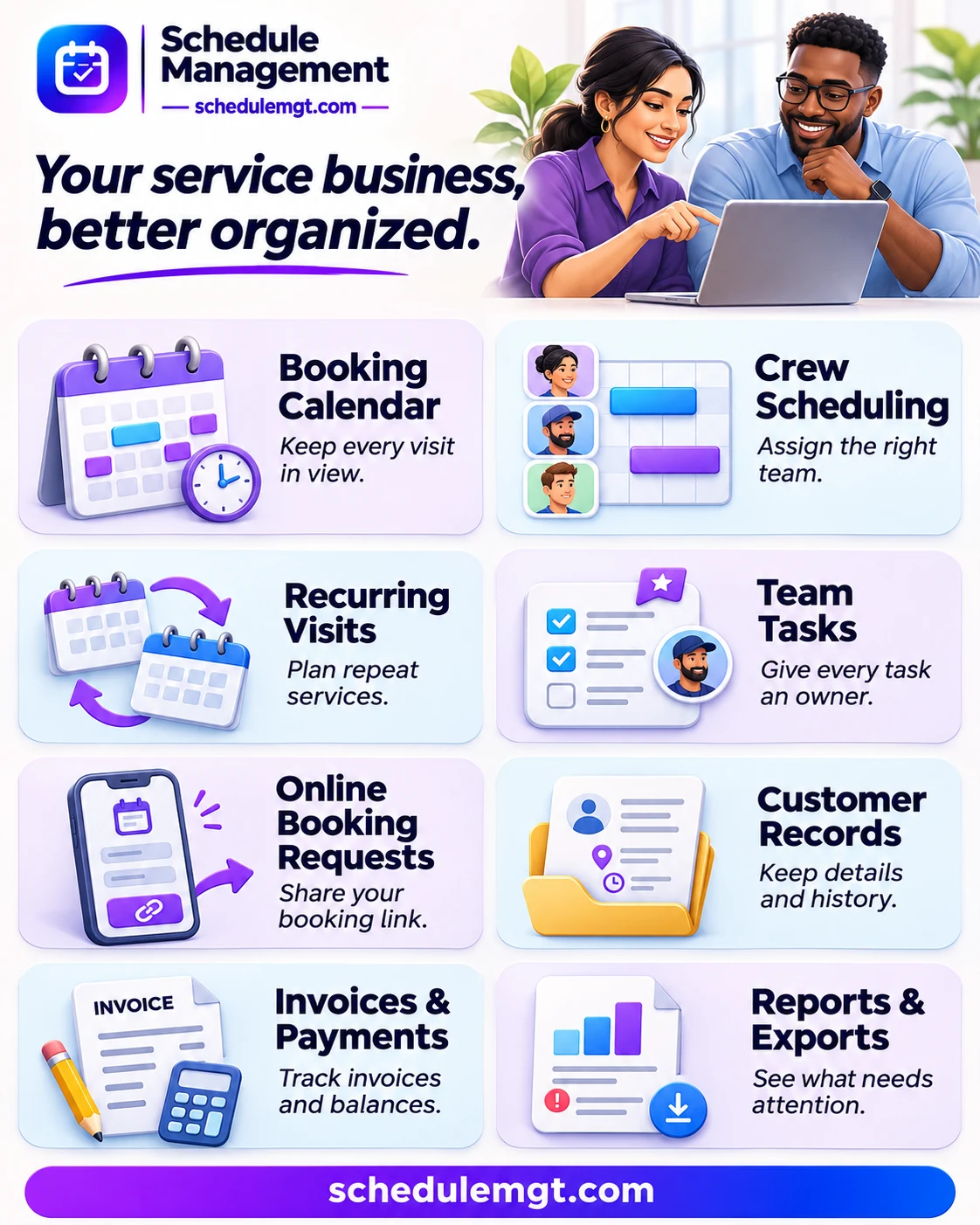
Start with the booking calendar. It shows appointments in half-hour slots, so you can see gaps before you confirm a visit. Check a crew’s work hours, time off and existing bookings before assigning the job. Group employees into teams to see each crew’s schedule without sorting through the whole company calendar.
When a customer moves a visit, update the booking and use the crew timetable to share the latest plan. The day’s timetable can be shared as a PNG, printed or saved as a PDF. Team tasks, due times and reminders help the office track work that does not belong on a service booking.
Online requests and repeat visits
Give customers a branded booking page or embed the request form on your website. Customers can choose a service, time and address, then send a request for your team to review. Add clear service options, photos and prices so they know what they are requesting. A booking request is not the same as a confirmed appointment.
For regular cleaning or maintenance, crew scheduling software is most useful when you can change one visit without changing the whole order. ScheduleMGT groups repeat visits under one order. Choose hourly, fixed or monthly pricing to match the service agreement. Move or cancel an individual visit when a customer’s plans change, or pause a date range without rebuilding the whole schedule.
Customer records, invoices and payment tracking
Save addresses and service instructions with the customer’s record. When a customer books again, staff can check past visits instead of asking for the same details. The record also shows recorded payments and open balances, which helps the office answer billing questions.
Create branded invoices from bookings, add taxes or discounts and print or save a PDF. Record payments, deposits and refunds manually. The reports show visits that still need a crew and invoices that are overdue. Export booking reports as CSV or PDF for your own records.
How a cleaning company can use ScheduleMGT
For a weekly cleaning customer, the coordinator can create a recurring order, assign an available crew and keep the site’s access notes with the booking. If the customer skips one week, the coordinator can change that visit without rebuilding the rest. At month end, the office can check which visits were booked and which invoices still have a balance.
What to check in crew scheduling software
Test ScheduleMGT with one real workflow: take a booking request, assign a crew, adjust a repeat visit and create an invoice. Check that the booking limits and team size suit your operation. If you need a specific payment or reporting workflow, confirm what it supports before you switch.
GOOD TO KNOW
Features & amenities

CUSTOMER EXPERIENCES
Leave a Reply
You must be logged in to post a comment.