




THE BUSINESS
About Schedule Management – Booking & Crew Scheduling Software
Booking and Scheduling Software for Service Businesses
Schedule Management (ScheduleMGT) is online booking and scheduling software for service businesses that need a clearer way to manage customer visits, coordinate staff and track payments. Built for cleaning companies, maintenance crews, home-service providers and field-service teams, it brings bookings, crew schedules, recurring visits, customer records and everyday tasks into one organized workspace.
When bookings are scattered across phone calls, messages, spreadsheets and paper diaries, important details are easy to overlook. Schedule Management helps your team keep service appointments, responsibilities and customer information together, with tools that support the day-to-day work of running a service business.
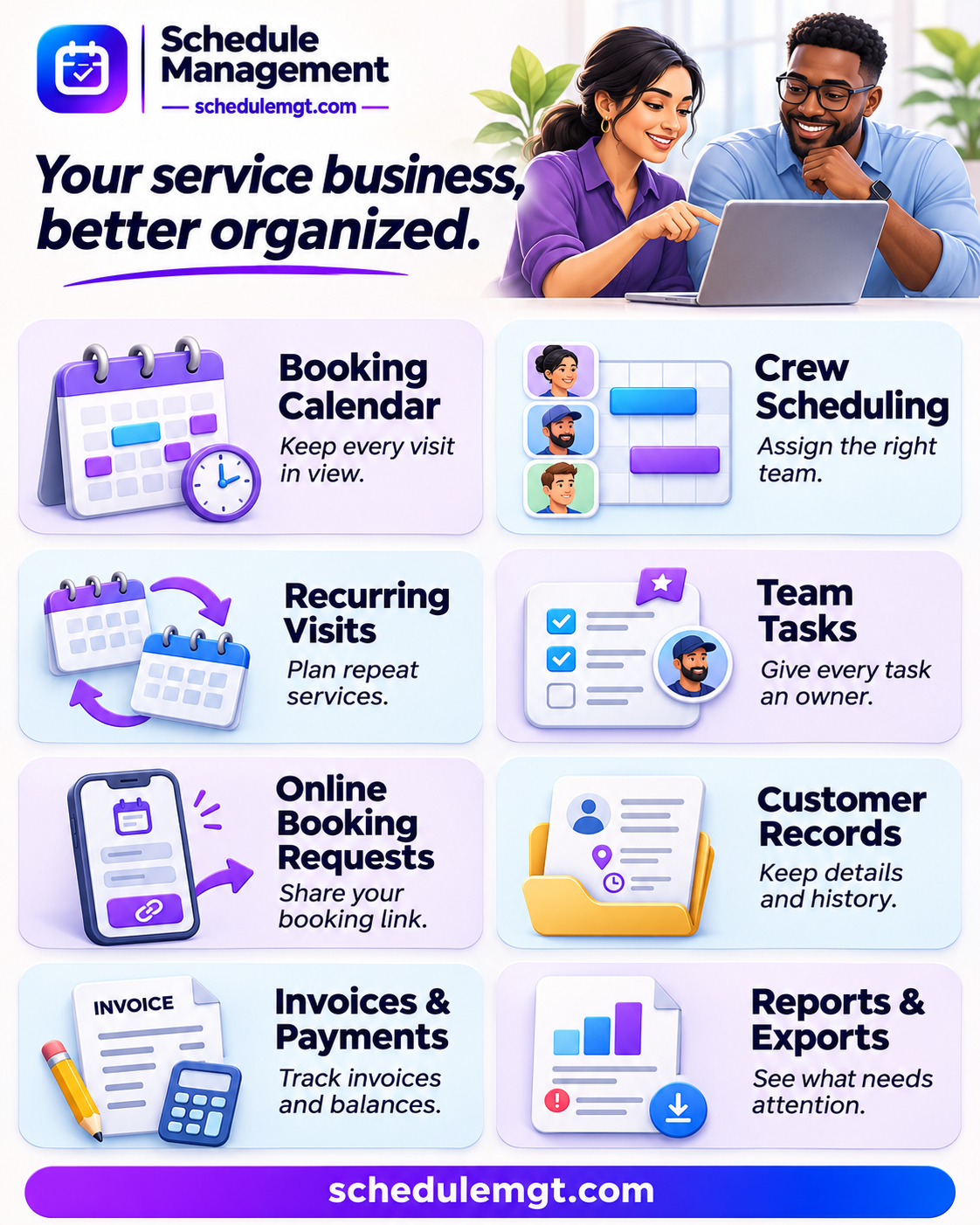
1. Booking Calendar
Organize service bookings in a visual calendar with half-hour scheduling slots. Keep upcoming visits in view and plan the day from one place. This service booking management system gives your team a shared reference when checking appointments and organizing work.
2. Crew Scheduling
Check working hours, time off and existing bookings before assigning staff to a service visit. Organize employees into crew groups and view the schedule for a specific team. Create a clear daily timetable so everyone can see the work planned for their crew.
3. Recurring Visits
Manage recurring service bookings and monthly service packages without rebuilding each schedule from scratch. Group repeat visits under one order, choose hourly, fixed or monthly pricing, and reschedule or cancel individual visits when plans change. You can also pause a date range and resume the service schedule.
4. Team Tasks
Give everyday work a clear owner. Assign tasks to teammates, set priorities and due times, and create repeating tasks for regular responsibilities. Personal and company task lists show progress, while dashboard reminders help assigned team members notice work that needs their attention.
5. Online Booking Requests
Share a branded booking link or embed a booking form on your website. Customers can choose a service, time and address, then submit a booking request for your team to review. Display service options, photos and pricing so customers have useful information before submitting their request.
6. Customer Records
Keep customer management connected to your bookings. Save addresses and service instructions, view booking history, and check recorded payments and outstanding balances from customer profiles. Returning customers can reuse saved details, helping your team maintain continuity between visits.
7. Invoices & Payments
Generate branded invoices from bookings, including taxes and discounts, then print them or save a PDF. Manually record received payments, deposits and refunds against invoices. View remaining balances and follow up on outstanding amounts with a clearer record of what has been received.
8. Reports & Exports
See which visits still need a crew, which bookings are awaiting collection and which invoices are overdue. Export booking reports to CSV or PDF for review and record-keeping. Share branded daily crew timetables as PNG images, or print and save them as PDFs.
Built for Service Businesses
Whether you need cleaning business scheduling software, a booking calendar for a home-service company or staff scheduling tools for a maintenance team, Schedule Management connects the practical details of running service visits. Its focus is on helping owners and coordinators organize bookings, people, customers and payment records in one place.
Start Organizing Your Next Workday
The free plan includes up to 4 crew members and 50 bookings per calendar month, with no payment card required.
Visit “schedulemgt.com” (https://schedulemgt.com/) to explore the software, create your company account and schedule your first service booking.
GOOD TO KNOW
Features & amenities

CUSTOMER EXPERIENCES
Leave a Reply
You must be logged in to post a comment.