
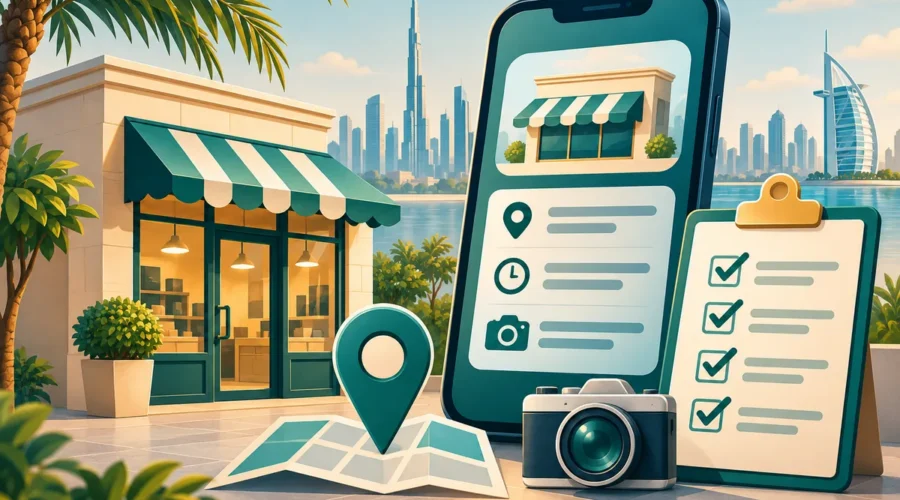
UAE Business Directory Listing Checklist: Turn Profile Views into Better Enquiries
A business listing is often a customer’s first conversation with your company. Before they call, they want to know whether you serve their location, provide the right service and make the next step straightforward. A profile that merely repeats “best quality at affordable prices” leaves those questions unanswered.
This UAE business directory listing checklist helps shops and service businesses build a useful profile without keyword stuffing, exaggerated claims or unnecessary personal information. Use it when creating a listing or reviewing an existing one. Start by browsing PK Listing’s business categories to understand how a customer would look for your service.
1. Create one reliable business-information sheet
Before editing multiple websites, write down the information your team has approved: customer-facing business name, public phone number, website, email, address or service area, opening hours and main services. Give one person responsibility for maintaining this sheet. Otherwise, a directory can show a former number while your social profile uses the new one.
Separate a place customers can visit from an area you serve. A mobile cleaning team, for example, should not imply that its office is a walk-in showroom. Record appointment requirements, access instructions and genuine service boundaries. Never publish a private home address simply to make the profile look more complete.
2. Choose the category a customer would expect
Your primary category should describe the main service, not every activity the business might undertake. A laundry that also cleans sofas should not present itself as a general building-maintenance contractor. Where a directory permits additional categories, use them only when they accurately describe services customers can buy now.
Check the profile on a phone. Ask a colleague unfamiliar with the listing to explain what the company does after a quick glance. If their answer is vague, rewrite the opening sentence. “Laundry pickup and delivery for households in Abu Dhabi” is more useful than “your ultimate lifestyle solutions partner,” provided it accurately describes the business.
3. Replace generic sales language with decision-making details
Use a short opening paragraph followed by scannable service information. Explain who the service suits, where it is available and what happens after an enquiry. Customers should not need to message merely to discover whether you operate in their neighbourhood.
- What is included? Name the main deliverables and important exclusions.
- How is a quote prepared? Explain whether a photo, measurement or site visit is needed.
- What should customers prepare? Mention access, parking or items to remove if relevant.
- What can vary? Clarify that availability or final scope is confirmed before booking.
For example, a fictional furniture-cleaning business might write: “Send the item type, approximate size and fabric-care label for an initial assessment. We confirm the suitable cleaning method and quote before arranging a visit.” This is an example of clear wording, not a claim about a listed business.
4. Make contact details genuinely usable
Test the telephone link from a mobile device and open the website link in a fresh browser. Check that the destination is the correct company, not a parked domain or an expired promotional page. If you advertise messaging, establish who monitors it and what response window the team can realistically meet.
A customer enquiry needs a simple next step. Ask for only the information necessary to assess the job, such as service type, broad location and preferred date. Do not request identification documents, payment-card details or sensitive records through a public comment field.
5. Use pictures that answer real questions
Select current images that you own or have permission to use. A storefront image can help a visitor recognise the entrance. A service-process photograph can explain equipment or preparation. A genuine product image can show what is available. Avoid stock photography that appears to depict your actual staff, premises or completed projects.
Use descriptive image text where the platform supports it. “Reception entrance with accessible ramp” describes the scene; a string of city and service keywords does not. Remove visible customer names, vehicle details or private documents from images before publication, and obtain permission before showing identifiable clients.
6. Treat accuracy as ongoing work
Google’s own local visibility guidance highlights complete, accurate business information, current hours and appropriate photos. That does not mean a directory profile guarantees any ranking. It is a reason to make public information useful and maintain it consistently.
Review your listing whenever your phone number, service area, opening hours or product range changes. Keep a simple log with the date, the old detail and its replacement. Before a holiday period, confirm special hours rather than assuming the normal schedule still applies.
7. Measure enquiry quality, not just profile views
Record how customers found you, what they requested and whether the enquiry matched your services. A smaller number of relevant enquiries can be more useful than many calls from outside your coverage area. Use a simple monthly table with enquiries, suitable enquiries, bookings and recurring questions.
If customers repeatedly ask whether materials are included, add that answer. If many enquiries come from an area you do not serve, clarify your boundaries. These changes make the listing better for readers even before any traffic improvement can be measured.
Before you finish: the five-minute check
Read the profile aloud, test every contact link, confirm the category and ask whether each claim can be supported. Then compare it with your information sheet. Browse business listings on PK Listing from a customer’s perspective: can someone understand your offer and take the right next step without guessing?

